How to Update Old Recipe Posts for Better Rankings
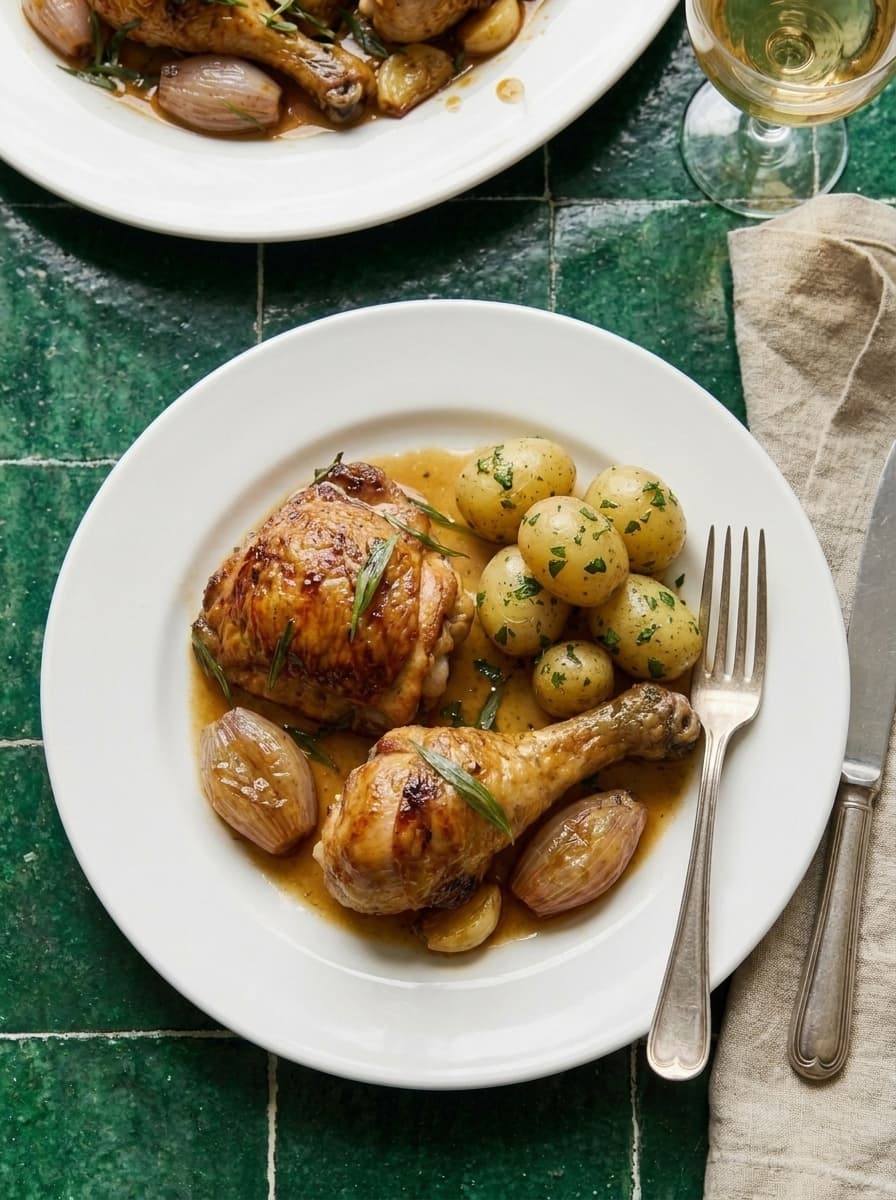
Updating old recipe posts is one of the highest-ROI activities on a food blog. Google rewards fresh, comprehensive content. A 30-minute update to an existing post can boost rankings more than publishing a brand new post from scratch.
Why Updating Old Posts Works
Google's "freshness" signal rewards recently updated content. When you update a recipe post — add new sections, improve images, fix schema, update dates — Google recrawls and often improves your ranking.
The data: Across our food blogs, updating old posts with the checklist below produced an average 30-50% traffic increase to the updated page within 60 days.
The Update Checklist
Content Updates
- Add 200-400 words of new useful content (tips, storage instructions, substitutions, FAQ questions)
- Refresh the intro — does it hook the reader and include the primary keyword in the first sentence?
- Add a "Why You'll Love This" section if missing
- Add or expand the FAQ section — check Google "People Also Ask" for new questions
- Update any outdated information — ingredient prices, tool recommendations, cooking techniques
- Improve the recipe card — are all fields filled? Prep time, cook time, servings, yield?
Image Updates
- Add new food photos if the originals are low quality. Consider AI food photography for consistent, professional results
- Optimize image alt text — descriptive, keyword-rich alt text on every image
- Compress images — all food photos under 200KB without visible quality loss
- Add process images if missing — step-by-step shots increase time on page
SEO Updates
- Check the title tag — does it include the primary keyword? Is it under 60 characters?
- Check the meta description — compelling, under 155 characters, includes keyword?
- Add internal links — link to 3-5 newer recipes published since this post went live
- Fix recipe schema — run Google Rich Results Test, fix any errors
- Add nutrition data if missing — complete the 11-metric nutrition card
- Update the published date — change "last updated" to today's date (keep original publish date)
Pinterest Updates
- Create 2-3 new pin designs for the updated post
- Write new keyword-optimized pin titles and descriptions
- Pin the new designs — fresh pins for updated content get algorithmic boost
Which Posts to Update First
Not all posts deserve an update. Prioritize:
1. Posts ranking on page 2 of Google (positions 11-20). These are closest to page 1. A content refresh can push them up.
2. Posts with declining traffic. Check Google Analytics for posts that used to get traffic but have dropped. They may need a freshness boost.
3. Your oldest posts. Posts published 1-2 years ago with no updates are stale. Google may be demoting them.
4. Posts with high impressions but low clicks in Search Console. The ranking is there but the title/meta description isn't compelling enough. Update both.
How to find candidates: Google Search Console > Performance > Sort by impressions descending > Look for pages with high impressions but low CTR or positions 8-20.
The Monthly Update Routine
Dedicate one day per month to updating old content. Update 3-5 posts per month following the checklist above. This compounds — after 6 months, you've refreshed 18-30 posts and the cumulative traffic impact is significant.
What NOT to Change
- Don't change the URL/slug — this breaks existing backlinks and Pinterest pins. URL stays the same forever.
- Don't remove content that's ranking — only add, don't subtract. If a section ranks for a keyword, keep it.
- Don't change the publish date — update the "last modified" date instead. Some themes show both.
What to Read Next
- How to Start a Food Blog — build posts correctly from day one
- Recipe SEO Checklist — the full SEO foundation
- Internal Linking Strategy — the linking updates that boost rankings
- Food Blog Content Calendar — plan updates alongside new content
Need fresh content for old posts? Our recipe article service rewrites and optimizes existing posts — same $30/article pricing.