Food Photography Editing: Apps, Presets & Workflow for Bloggers
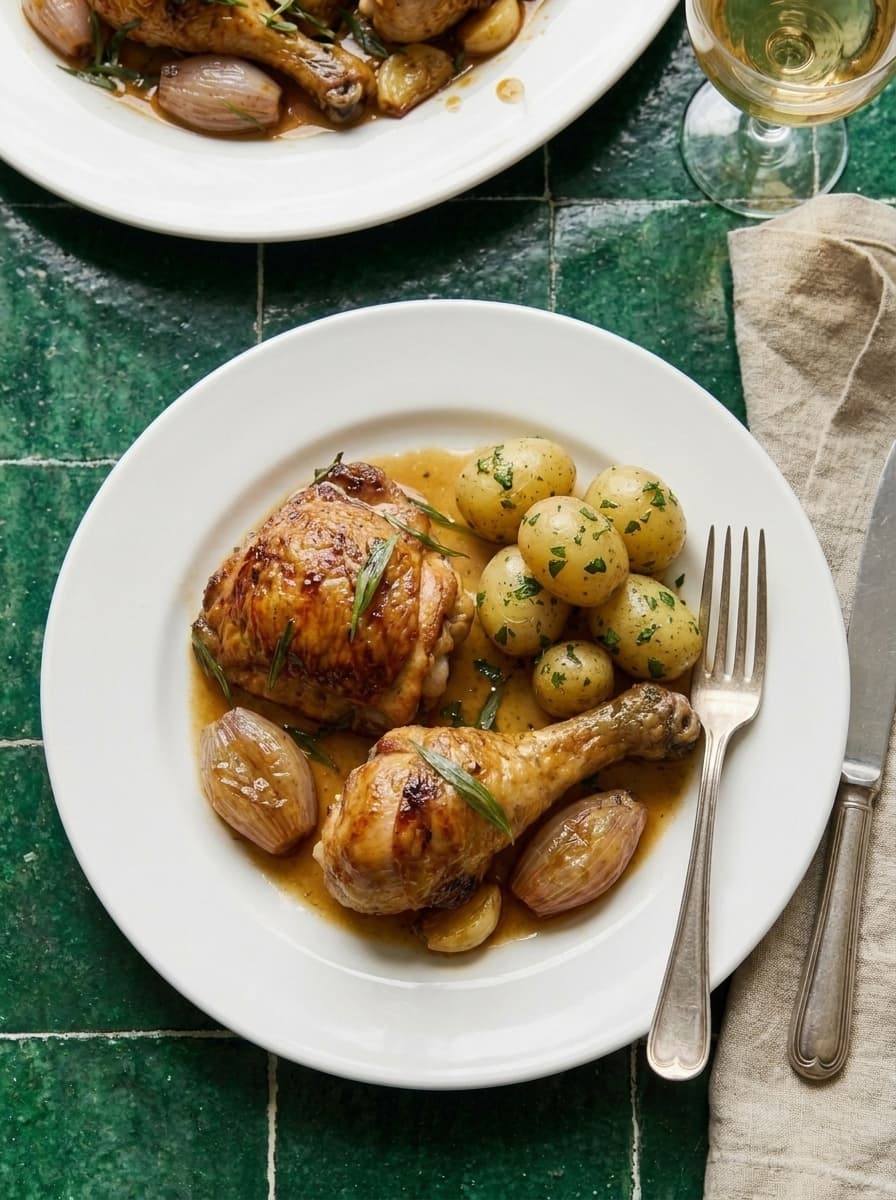
Shooting food is half the job. Editing makes good photos great — and bad editing makes good photos worse. The goal of food photo editing isn't to make food look "enhanced." It's to make it look the way your eyes saw it, with the mood you intended.
The 6-Step Editing Workflow
This workflow works for every food photo, every style, every app:
Step 1: Straighten and Crop
Fix any tilt first. A slightly crooked horizon makes the whole photo feel off. Crop to your target aspect ratio — 4:5 for Instagram, 2:3 for Pinterest, 16:9 for blog hero images.
Use the rule of thirds when cropping. Place the main dish at an intersection point.
Step 2: White Balance
White balance determines whether your photo looks warm (golden) or cool (blue). Food almost always looks better warm.
For comfort food, baking, dinners: Shift white balance slightly warm (5500-6500K). Golden tones make food feel inviting.
For salads, health food, fresh dishes: Keep white balance neutral to slightly cool. Clean, bright tones match the content.
The test: Does the food look appetizing? If whites look blue or food looks gray, your white balance is too cool.
Step 3: Exposure and Highlights
Adjust overall brightness so the food is well-exposed without blown-out highlights.
Lift shadows by +15 to +30. This reveals detail in darker areas without flattening the image.
Pull highlights down by -10 to -20. This recovers detail in bright areas (white plates, glossy sauces, bright backgrounds).
Step 4: Contrast and Clarity
A small contrast boost (+10 to +20) adds depth and makes food textures pop. Don't overdo it — too much contrast makes food look harsh.
Clarity/structure (+5 to +15) enhances texture detail. Great for maillard crust, crispy skin, and bread crusts. Too much makes everything look crunchy and over-sharpened.
Step 5: Saturation and Vibrance
Vibrance boosts muted colors without over-saturating already-vivid ones. +10 to +20 is usually enough.
Saturation boosts all colors equally. Use sparingly (+5 to +10) or skip entirely. Over-saturated food looks fake.
Selective saturation: If your app supports it, boost warm tones (reds, oranges, yellows) and leave cool tones alone. This makes food glow without making the whole image look filtered.
Step 6: Sharpen for Web
Apply a light sharpening pass for web output. Food photos compressed for the web lose some detail. A small amount of sharpening (+20 to +30 in Lightroom) restores crispness.
Don't over-sharpen. If you can see halos around edges, you've gone too far.
Best Editing Apps for Food Photography
Lightroom Mobile (Free — Best Overall)
The best free editing app for food bloggers. Precise controls for every parameter. Selective editing lets you brighten just the food or darken just the background. Preset support for consistent editing.
Snapseed (Free)
Google's free editor. Strong selective tools and healing brush. The "Drama" filter adds depth to food photos but use it sparingly. Best for quick, on-the-go edits.
VSCO (Free + Paid Presets)
Preset-based editing. Apply a preset, adjust intensity, done. The C1 and A6 preset families work well for bright food photography. $20/year for the full preset library.
Lightroom Desktop (Paid — $10/month)
The full-powered version with advanced features: masking, color grading, lens corrections, batch editing. Worth it if you're editing 20+ food photos per week and want maximum control.
Presets: Worth It?
Presets are pre-saved editing settings you apply with one tap. They save time and create consistency.
When presets are worth it:
- You publish 4+ recipes per week and need editing speed
- You want consistent color grading across all photos
- You've found a preset that matches your food photography style
When to skip presets:
- You're still learning what your style is
- The preset looks great on the seller's photos but weird on yours
- You're using AI food photography (already edited)
Recommended food photography presets: Search "food photography presets Lightroom" on Etsy — $5-25 for quality preset packs. Test on your own photos before buying.
Common Editing Mistakes
Over-saturation. Food that glows neon orange isn't appetizing. It's alarming. Keep saturation subtle.
Cool white balance. Blue-tinted food looks cold, stale, and unappetizing. When in doubt, warm it up.
Too much clarity. Every texture looks crunchy and over-processed. Use sparingly.
Heavy vignetting. Dark corners look dated and draw attention away from the food.
Filters that change food colors. If your green beans look teal or your bread looks purple, the filter is wrong for food.
What to Read Next
- Food Photography for Food Bloggers — the complete guide
- Food Photography Equipment — cameras and lighting
- iPhone Food Photography Tips — shooting on your phone before editing
- Food Photography Styles Guide — editing varies by style
Skip editing entirely. Our AI food photography service delivers edited, blog-ready images — $15/set.